'Positive confirmation' as a technique
Over on Discord, one of the Decimals noted in horror that their backups hadn't been running for 2 months. This happened because they did something I've done myself: I went through the list of services running in the background on my Mac and killed those I didn't recognise.
Unfortunately one of these, 'PhotoMinds LLC', runs Arq, the excellent-other-than-its-poorly-named-LLC backup service. Whoops.
Trade-off: alert fatigue vs. not knowing at all
I manage backups for me, Lucy, Bob (Lucy's dad), and Mishy (a friend). We all use Arq, and if I got backup confirmations for every machine, every day, that'd be 1,460 emails a year.
This will lead to 'alert fatigue': too many notifications and your brain tunes them out. This results in you missing the genuine alerts.
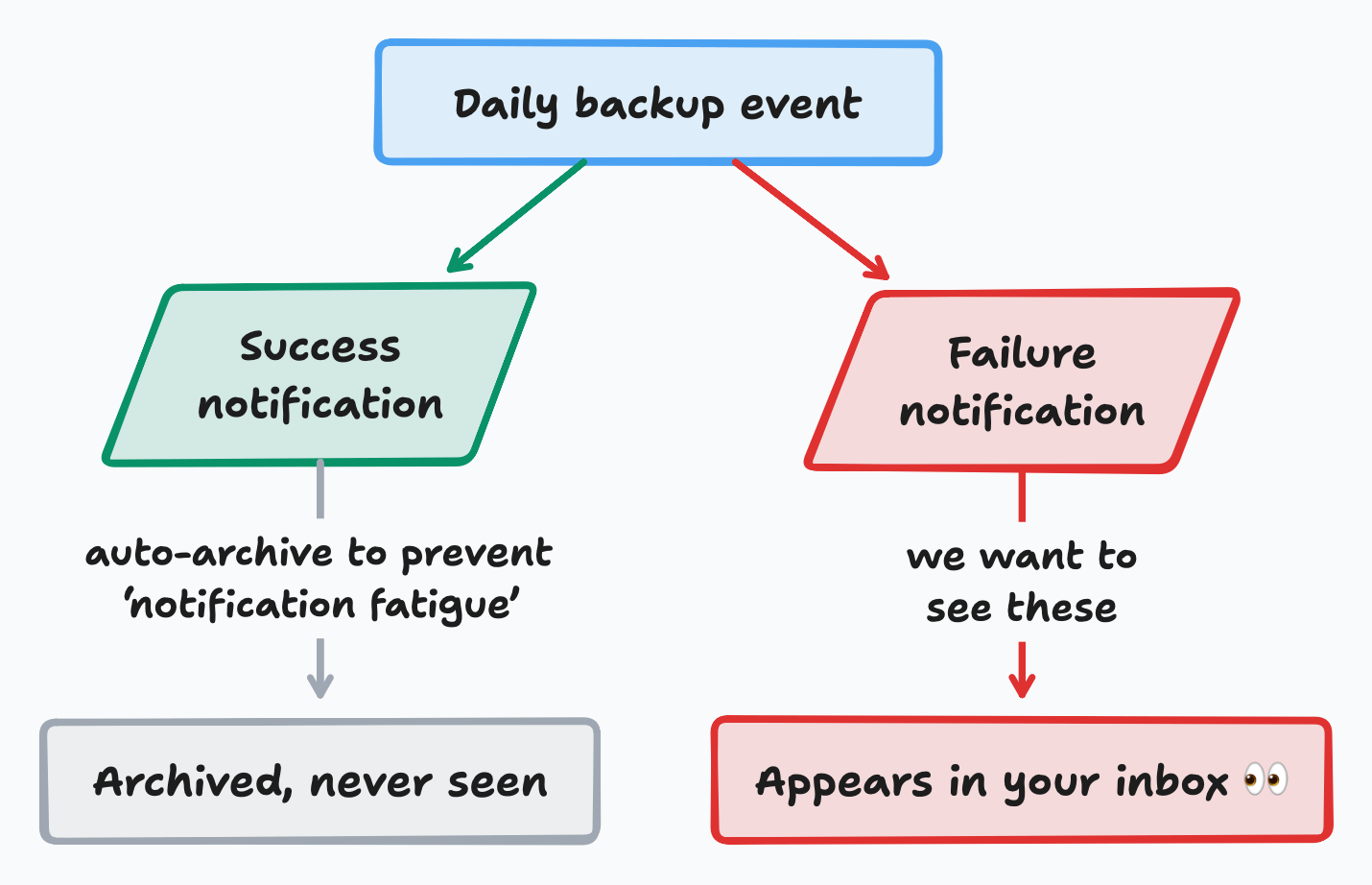
So what I've done is configure a mail rule to auto-archive any Arq backup report that contains (0 errors) in the subject. Here's what this looks like. All sorted, right?
When the service fails
Unfortunately not. In the case where the backup service entirely fails – including the scenario where I've disabled it myself, not realising what I've done – we now have a silent failure.
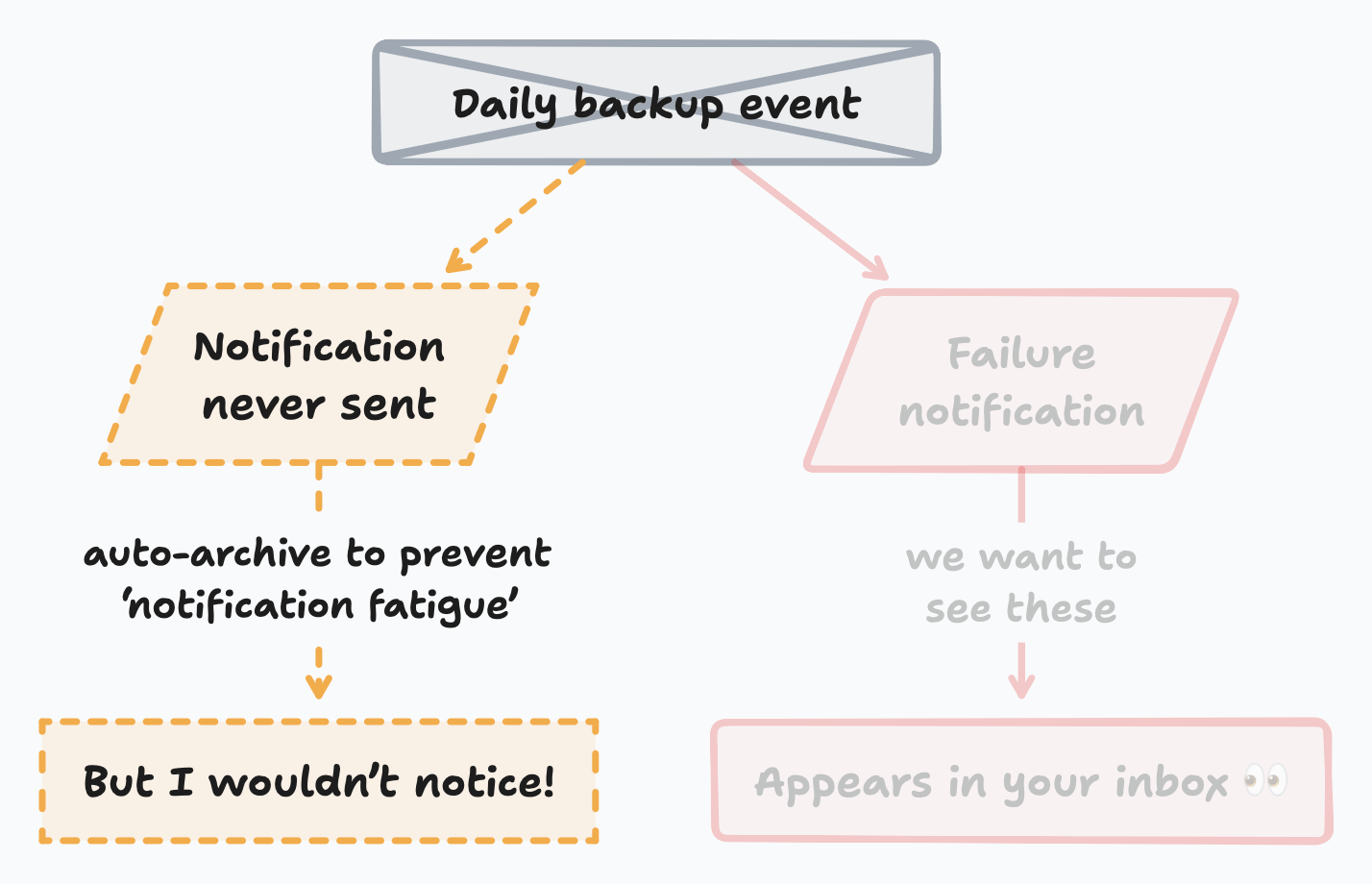
We need to mitigate this failure state. The solution must be resilient, but not annoying. This post is specific to Arq, but this technique should be broadly applicable.
1. Get email
Arq has an option per-backup-job to send an email report. Turn that on for all jobs. It automatically appends (n errors) to the subject. 👌🏼
2. Filter email
We don't need to see (0 errors) every day. So create a mail rule to filter those directly to an archive folder. Mine go to Life Admin's 14.14 My data storage & backups.
3. This will reveal errors
The rule will not act on (n≠0 errors). So if there's an error, it lands in our inbox and we act on it. This is desired behaviour.
So far this is figure 0272A.
4. 'Positively confirm' every ~month
But this rule will hide the failure state shown in figure 0272B. That is, if the backup service is stopped, you won't know.
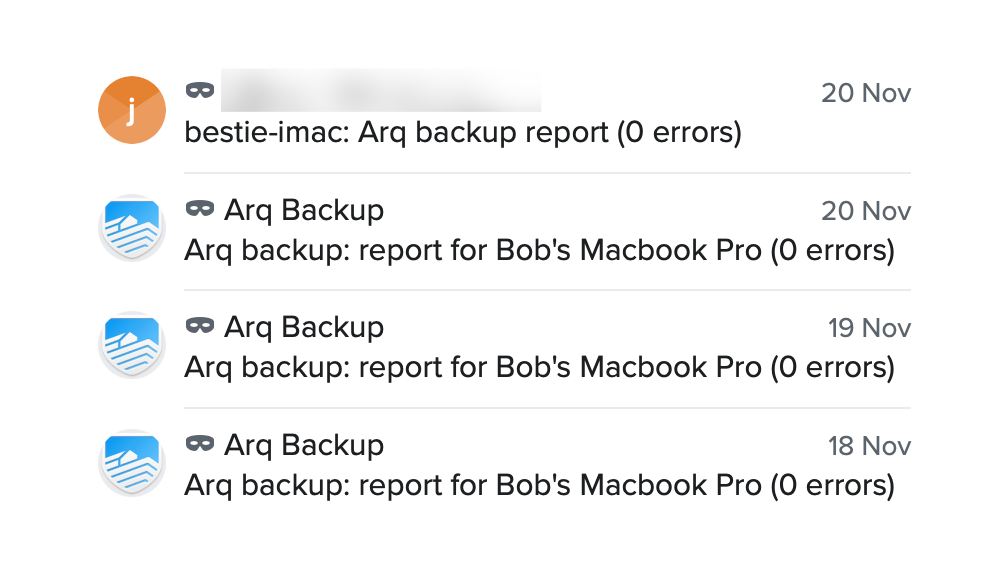
To mitigate this, create a repeating reminder. Your action is to 'positively confirm' these backup reports by going to the folder where you've archived them and making sure the (0 errors) reports are there.
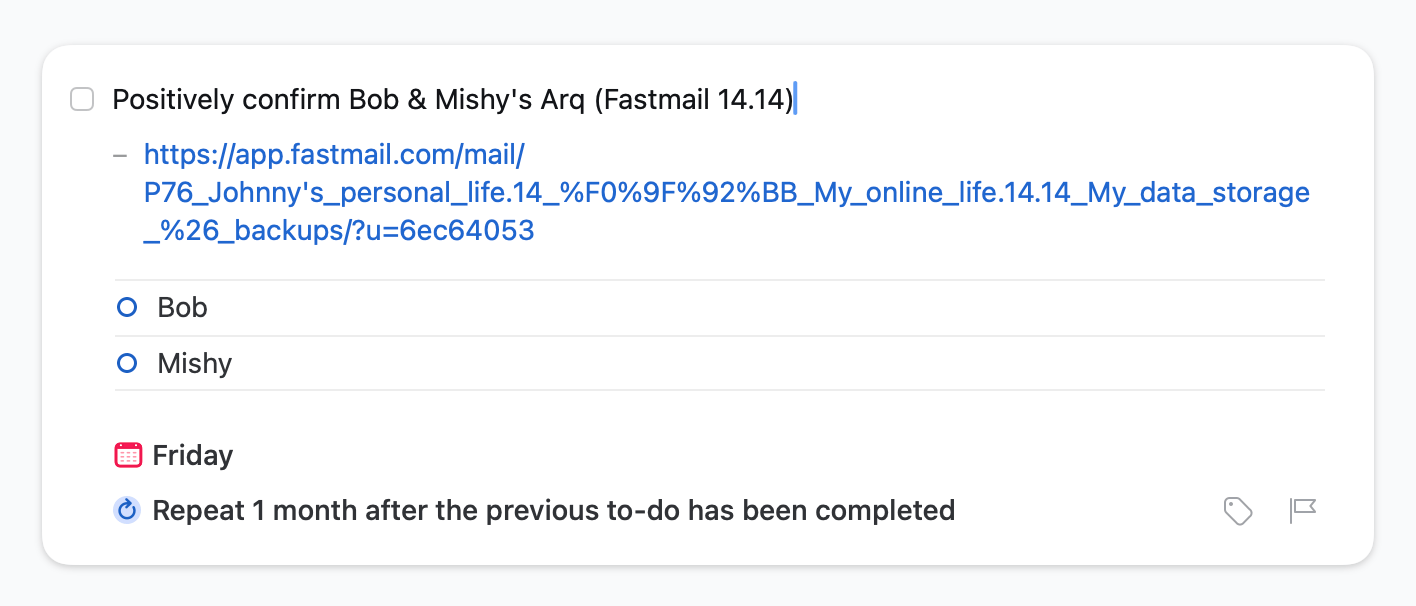
This is a very simple task. I don't need to go to the backup software and read reports: I just need to positively confirm that the report that I'm already being sent is being received.
Check our Task & Project Management course where, over 5 meticulously planned hours, I show you exactly how I set up my to-do system to support this sort of monthly reminder.
I've helped myself here by adding a link to the email archive folder. So once a month I click that link, give the list the most cursory of glances, and I'm done. It takes literally 60 seconds.
You might 'ramp up' this interval
When you set this up, you might check weekly. After a couple of weeks, push it to fortnightly. Build confidence. Now, as you can see, mine is monthly: because neither Bob nor Mishy's machines have caused me any problems in as long as I can remember.
Peace of mind for basically zero effort.