Things tip: moving items to headings
I'll Bold and Capitalise Things features for clarity.
Quick tip for the Things users. Let's say you have a Project named 21 Products and in there a Heading named 21.35 JDHQ. Which I do. (The names aren't important; substitute your own.)
I use Things' lovely Move… feature to flick items from my Inbox to these Headings. I prefer to use the number, because I know it and it's faster. My ideal workflow is:
- When processing the item, press
Shift-Cmd-Mfor Move. - Type
21.35, which matches a Heading inside a Project. - Press
return.
The problem is I've created work packages whose number contains 21.25. Things will prefer matching a number in a Project and if it finds one, it won't offer you the number even if it matches a Heading.
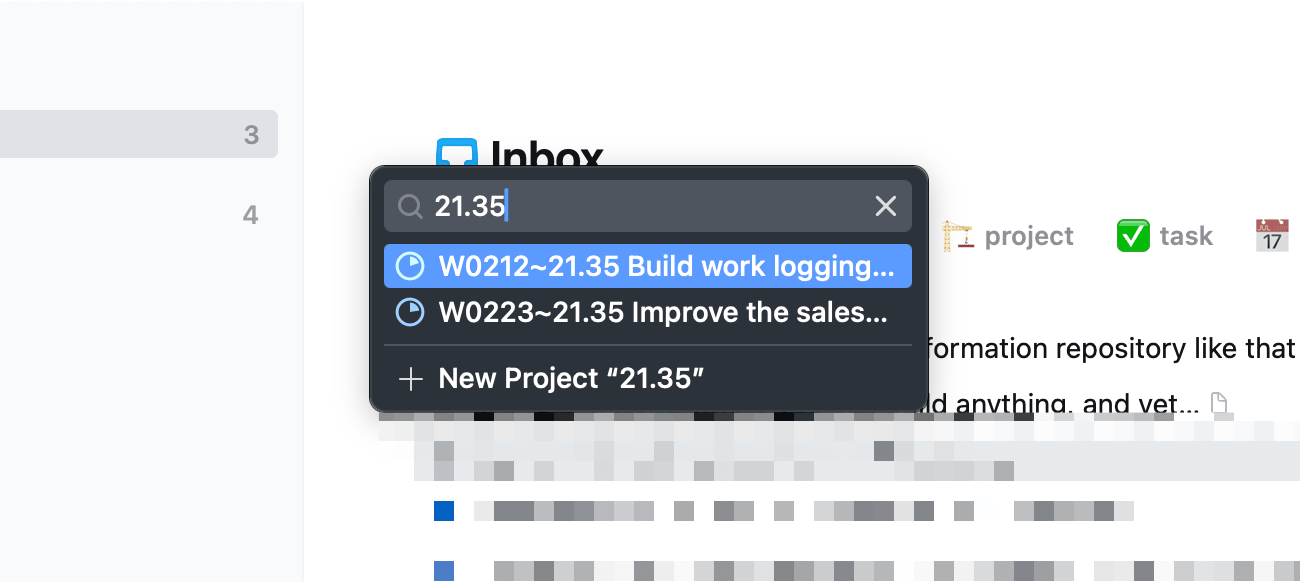
Stack your searches
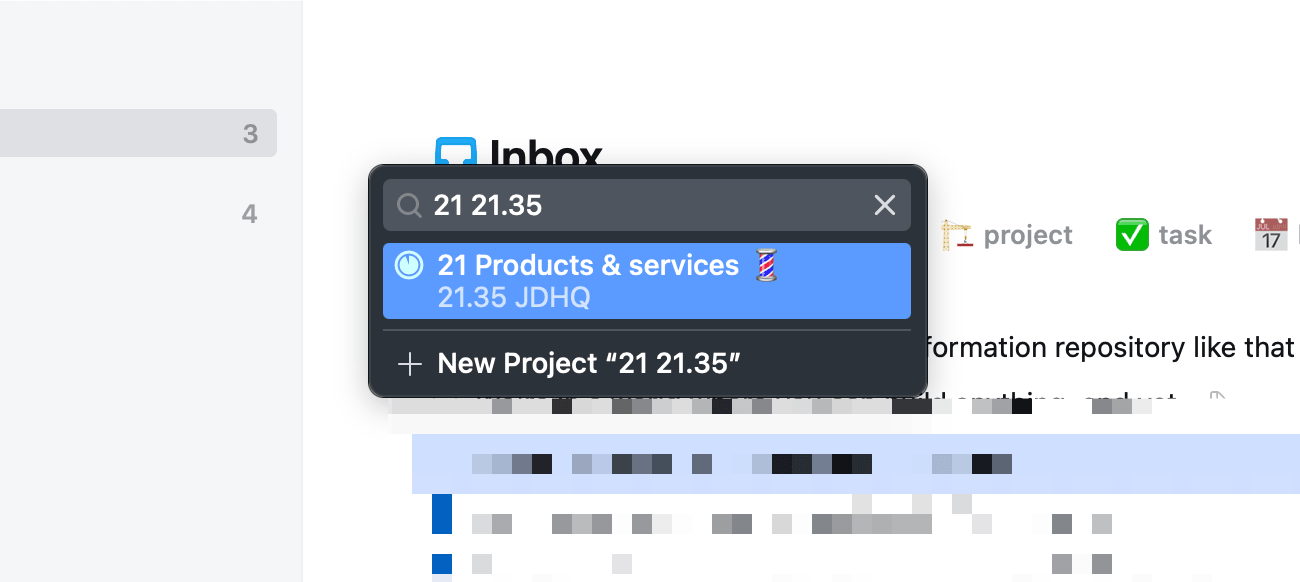
The solution is deceptively simple: just use a more specific search.
If you use 21 21.35 it seems to understand that I want to search in Project 21 for Heading 21.35. And that's exactly what I want.
If you're interested in how I manage my life using Things – it drives everything that I do – take the 5-hour Task and Project Management course, available with Pro memberships and higher.